Building AI Agents with n8n: A Practical Guide from Concept to Production
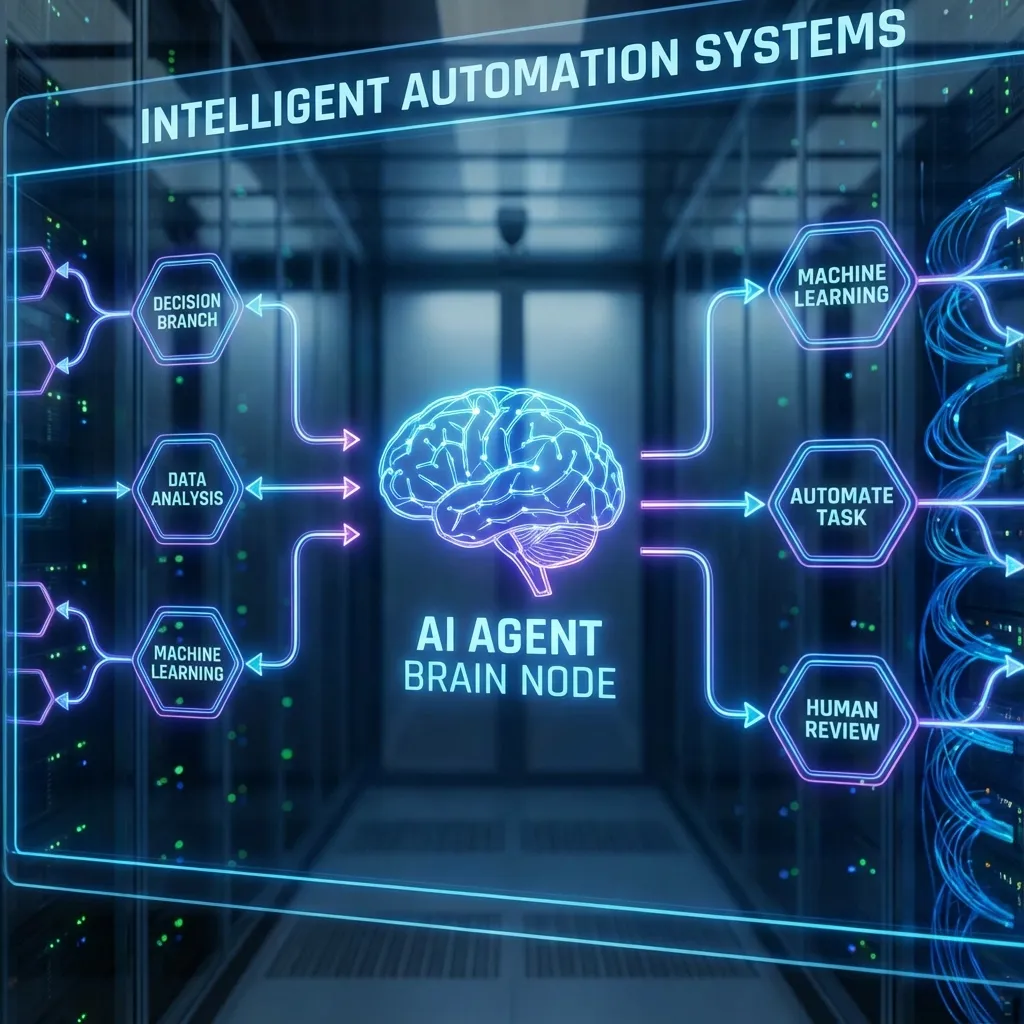
With the release of n8n 1.0 and subsequent updates, the most groundbreaking feature is undoubtedly the native integration of LangChain. This isn’t just a simple “Ask ChatGPT” button; it transforms n8n into a visual, low-code Agent orchestration platform.
If you’ve ever felt overwhelmed by the Python code required for LangChain (Chains, Agents, Tools, Memory), n8n’s node-based approach will make it all fall into place.
Today, we’re skipping the theory and building a real-world “Intelligent Competitor Analysis Agent” to demonstrate how to construct an agent with autonomous decision-making capabilities.
The Objective
We want an agent that, given a company name (e.g., “Anthropic”), can:
- Plan: Determine what information is needed (news, products, funding).
- Connect: Automatically search the web for the latest data.
- Read: Scrape key pages and extract core content.
- Calculate: Verify financial growth rates if numbers are found.
- Output: Generate a structured SWOT analysis report.
Architecture: The ReAct Pattern
We will implement the classic ReAct (Reason + Act) pattern. In n8n, this architecture consists of three core components:
- AI Agent Node: The Brain/Controller.
- Tools Nodes: The Sensors & Actuators.
- Memory Node: The Context.
1. Configuring the Brain (OpenAI Chat Model)
Drag in the AI Agent node—the hub of the entire process. Connect an OpenAI Chat Model to its Model input.
Model Selection Advice:
- GPT-4o / GPT-4-Turbo: Highly recommended. Agents require strong instruction-following capabilities to decide when and how to call tools. GPT-3.5 often hallucinates or fails on parameter formatting.
- Temperature: Set to
0. Agent behavior needs to be deterministic, not creatively divergent.
System Prompt:
You are a professional business analyst. Your goal is to generate deep competitive analysis reports based on a company name. You have the power to search the internet and read web content. Do not answer immediately. Decompose the task:
- Search for latest news and the official website.
- Pick 2-3 high-value URLs for detailed reading.
- Use the calculator tool for any financial verification.
- Summarize with a SWOT analysis (Strengths/Weaknesses/Opportunities/Threats).
2. Equipping the Tools
This is where the agent gains its power. The AI Agent node has a Tools input where you can attach various capabilities.
Tool A: Web Search (SerpAPI)
n8n includes native SerpAPI or Bing Search tools.
- Description: This is critical. It must clearly state: “Use this tool to search for latest news, stock prices, and general information about a company.” The LLM uses this description to decide when to call the tool.
Tool B: Web Scraping (Custom Tool via Sub-workflow)
One of n8n’s superpowers is the ability to turn any sub-workflow into a tool. This gives your agent infinite extensibility.
- Create a Sub-workflow:
- Execute Workflow Trigger: Define input as
{ "url": "string" }. - HTTP Request Node: GET the URL content.
- HTML to Markdown Node: Convert messy HTML into clean, LLM-friendly Markdown, stripping navigation and ads to save tokens.
- Text Processing (Truncate): Truncate long strings to stay within token limits.
- Execute Workflow Trigger: Define input as
- Reference in Main Agent:
- Use the
Call Workflow as Toolnode. - Select your sub-workflow.
- Tool Name:
scrape_webpage - Tool Description: “Useful for reading the detailed content of a specific URL found in search results. Input should be a valid URL string.”
- Use the
Tool C: Precise Math (Calculator)
LLMs struggle with math; even simple arithmetic can go wrong.
- Description: “Useful for performing mathematical calculations. Use this when you need to calculate growth rates, profit margins, or percentages.”
3. Short-term Memory (Window Buffer Memory)
To support multi-turn dialogues (e.g., after reading the report, a user asks, “Who is their CEO?”), we need a memory module.
We recommend Window Buffer Memory:
- Context Window: Set to 10-20 turns.
- Session ID: Map this to the trigger’s
chatIdto ensure sessions remain isolated between users.
Execution Walkthrough
When we type “Analyze Anthropic” in the chat window, what happens under the hood?
- Thought: The Agent receives instructions and analyzes the system prompt. It decides: “I need to search for Anthropic first.”
- Action: Agent outputs a JSON instruction calling the
SerpAPItool withquery="Anthropic latest news products". - Observation: SerpAPI returns snippets and links.
- Thought: Agent reads the snippets, finds
anthropic.comand a TechCrunch funding report. It decides: “I need to read these pages in detail.” - Action: Calls
scrape_webpagefor both URLs. - Observation: The sub-workflow returns the Markdown content of both articles.
- Final Answer: The Agent synthesizes the data and generates the SWOT report as requested.
Beyond Chat: Structured Output
Agent outputs are typically Markdown. We can pipe this into traditional n8n nodes for a polished finish:
- Markdown to HTML: Render the reply as styled HTML.
- HTML to PDF: Create a downloadable document.
- Google Drive: Upload the file.
- Slack: Send a message: “Report generated. Download here: [Link]”.
This is the advantage of n8n over Dify or Flowise: It seamlessly blends probabilistic AI (Agents) with deterministic automation (Workflows).
Summary
The future of automation is no longer just rigid If This Then That logic.
The future is: “Give me a vague goal, you plan the path, self-correct if you hit a wall, and deliver the result.”
With n8n + LangChain, that future is already here.
Version, production boundary, and sources
Reviewed July 13, 2026 against n8n 2.25.7. This article is an architecture walkthrough, not a production-ready workflow export. The exact AI Agent, memory, and tool-node interfaces depend on the installed n8n version and selected model provider.
Before production use, add per-user session isolation, prompt-injection defenses, tool allow-lists, timeouts, budgets, rate limits, source attribution, and human approval for destructive actions. A memory window is not durable application state, and scraped web content must be treated as untrusted input.